How to Use QR Codes and AI for Business Reviews?
By Sweep Growth team · 12 November 2026
Example: this is an illustrative business written to show how Sweep Growth works. It is not a real customer, and the numbers are illustrative.
Short answer
Using QR codes and AI for managing reviews can significantly improve customer engagement. By integrating these features, businesses can streamline the review process and attract more visitors, potentially increasing footfall in just a few weeks.
Understanding QR Codes for Reviews
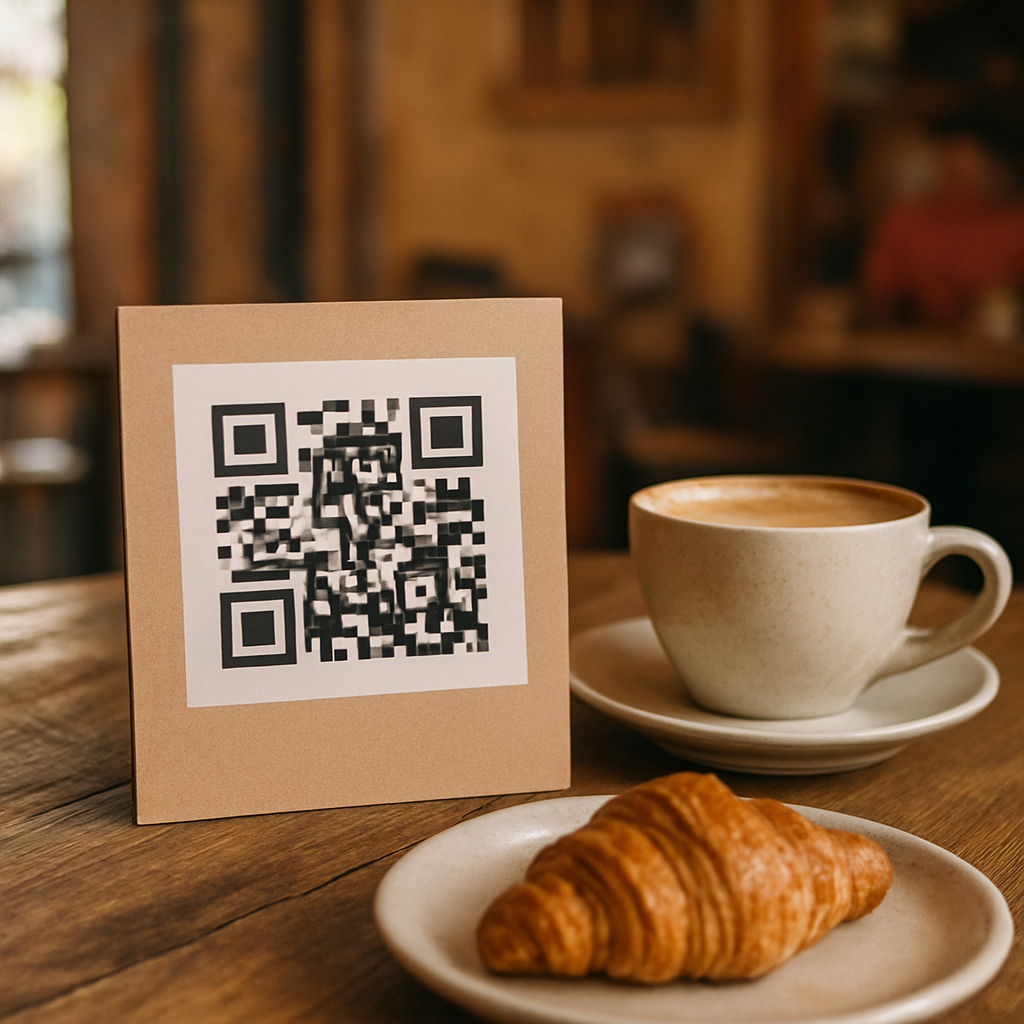
QR codes are becoming increasingly popular in India as a convenient way for customers to engage with businesses. By placing a QR code at your business location, you enable customers to easily scan it with their smartphones and access your review page. This not only simplifies the review process but also encourages customers to share their experiences online. For instance, a small restaurant in Bangalore can place QR codes on the tables or at the entrance, making it easy for diners to leave feedback on Google.
Creating Your QR Code: A Step-by-Step Guide
Creating a QR code is straightforward and can be done in just a few minutes. Here’s how: 1. Select a QR Code Generator: Use an online tool like QR Code Generator or QRStuff. These platforms are user-friendly and free. 2. Enter Your URL: Input the URL of your Google Business Profile, and include UTM parameters for tracking. For example, use: `https://g.page/YourBusiness?utm_source=qr_code`. 3. Customize Your Code: Some generators allow you to customize the design of your QR code. You can choose colors or add a logo to make it visually appealing. 4. Download and Print: Once generated, download the QR code image and print it out. You can use stickers, posters, or even display it digitally on screens in your shop.
AI-Powered Review Management with Sweep Growth
Using an AI tool like Sweep Growth can revolutionize how you manage customer reviews. This software automates the process of replying to reviews, ensuring that no feedback slips through the cracks. For example, a local fashion store in Mumbai can set up Sweep Growth to automatically thank customers for their positive reviews while flagging negative feedback for the owner's attention. This saves time and ensures that customers feel acknowledged.
Setting Up Automated Replies: Best Practices
To get the most out of automated replies, consider these best practices: - Personalization: While automation is key, make sure your replies feel personal. Use the customer’s name and refer to specific details from their review to show you care. - Timeliness: Aim to respond to reviews quickly. Customers appreciate prompt responses, and this can enhance their overall experience with your brand. - Positive Tone: Always maintain a friendly and positive tone in your replies, even when addressing complaints. This can help in de-escalating negative situations and turning them into positive experiences.
Questions
- How do QR codes help my business?
- QR codes make it easy for customers to leave reviews without searching for your business online, thereby increasing the likelihood of receiving feedback.
- What are UTM parameters?
- UTM parameters are tags added to a URL to help track the performance of campaigns in Google Analytics.
- Can I customize my review replies?
- Yes, with Sweep Growth, you can customize automated replies to reflect your brand's voice while ensuring that complaints are approved by you.